How to make an End of Watch AI video
There are two ways to make an End of Watch locker scene video: upload one or two photos to our generator and get the 21-second scene back with the audio from the film, or film all nine shots yourself with your own props. This guide covers both, shot by shot.
$8.90 per video · No subscription · About 5 to 10 minutes
What is an End of Watch AI video?
An End of Watch AI video puts a new person into the locker scene from the 2012 film End of Watch. Jake Gyllenhaal's Officer Brian Taylor films himself presenting his gear to a small camera, one piece at a time, while Michael Peña's Mike Zavala leans in to laugh. The AI version keeps the scene and the 21 seconds of audio, and changes who is in it.
The meme started on TikTok in August 2023, when people remade the scene with their own gym, store and kitchen gear to "Twirlanta" by 22Gz. AI versions followed in August 2026 under #lockerscenetrend, and a second wave arrived at the end of October.
Make an End of Watch AI video from your photos
- 1
Upload a clear photo
Add one photo to play Taylor, and a second if you want a friend as Zavala. Choose Police gear or Nurse edition.
- 2
Press make
The locker room, the shots and the audio are already set. No prompt to write, no film clip to find and no settings.
- 3
Download and post
In about 5 to 10 minutes you get a 21-second 16:9 MP4 at 720p with the audio from the film, ready for TikTok, Reels and Shorts.
Which photo to use
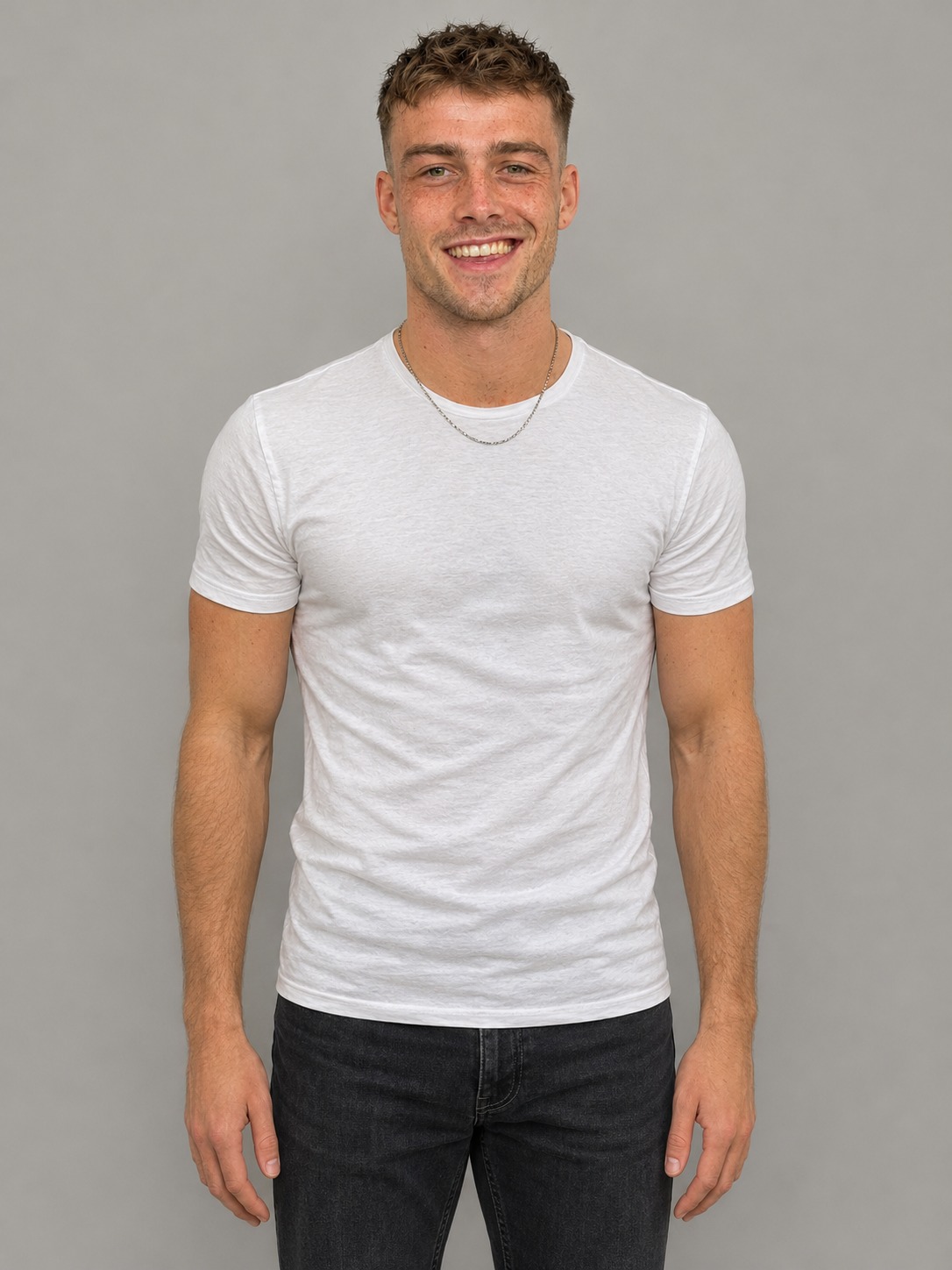
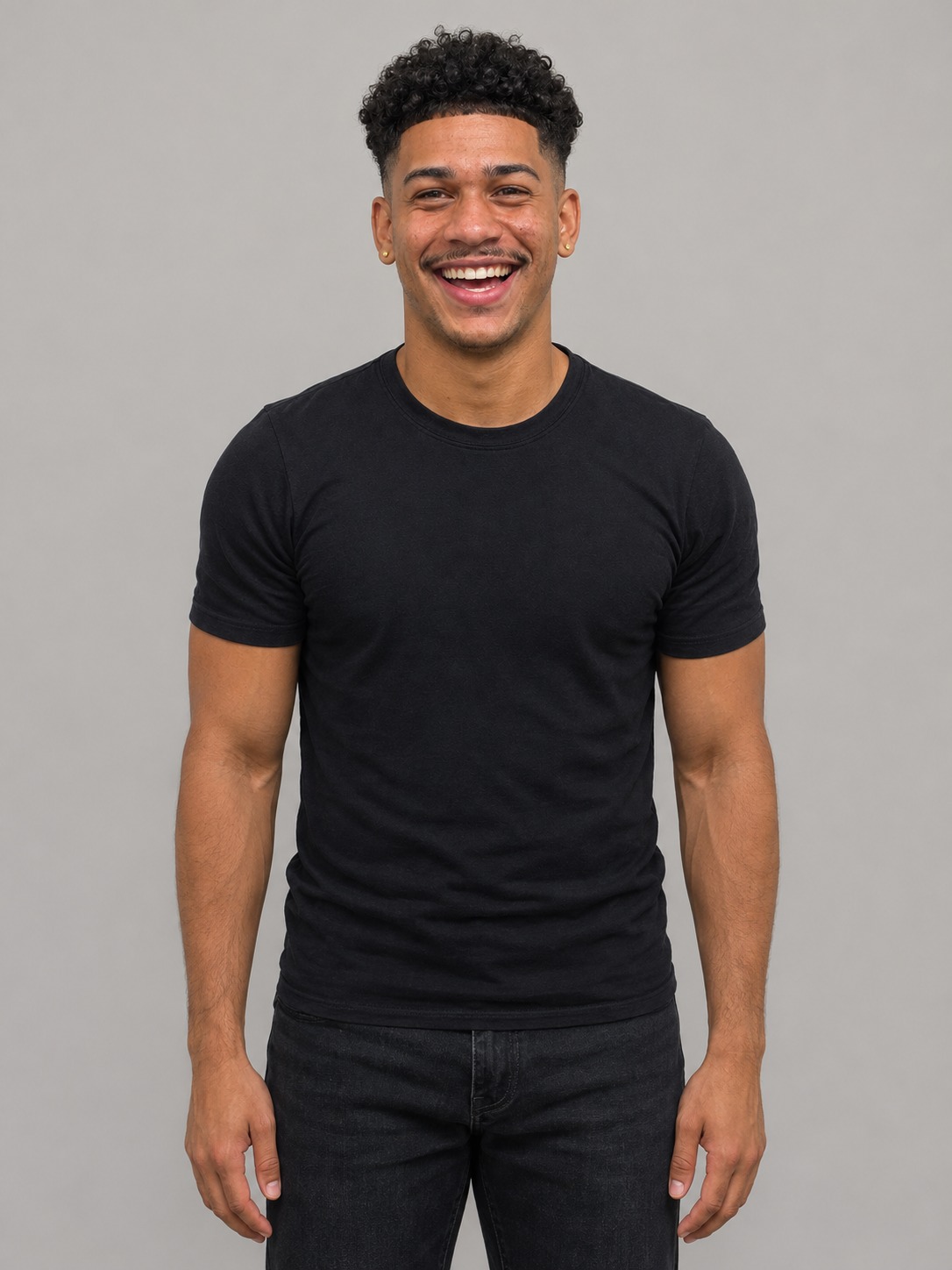
Use your own photo or one from someone who has agreed. One person per photo, a clear face and even light, from the chest or waist up. Your first photo plays Taylor. A second photo plays Zavala; without one, our own actor does.
Swap the gear: the End of Watch nurse edition
The most-watched remakes of this meme were never about police gear. They swapped it for whatever people carry at work. Choose Nurse edition at the top of the maker and every piece of gear changes for you.
Seven new pieces of gear
An infrared thermometer gun, a penlight, blue-handled trauma shears, a fingertip pulse oximeter, two stethoscopes, a bottle of hand sanitizer and two needle-free flush syringes, shown in the same order as the film.
The same scene and the same price
The moves, the camera, the lockers and the audio stay, so the film's serious gear talk now plays over a thermometer. It is the same 21-second 720p video at the same price as the police gear version.
The End of Watch locker scene, shot by shot
21 seconds, nine shots, one small camera held at arm's length. These are the shots you get, in order.
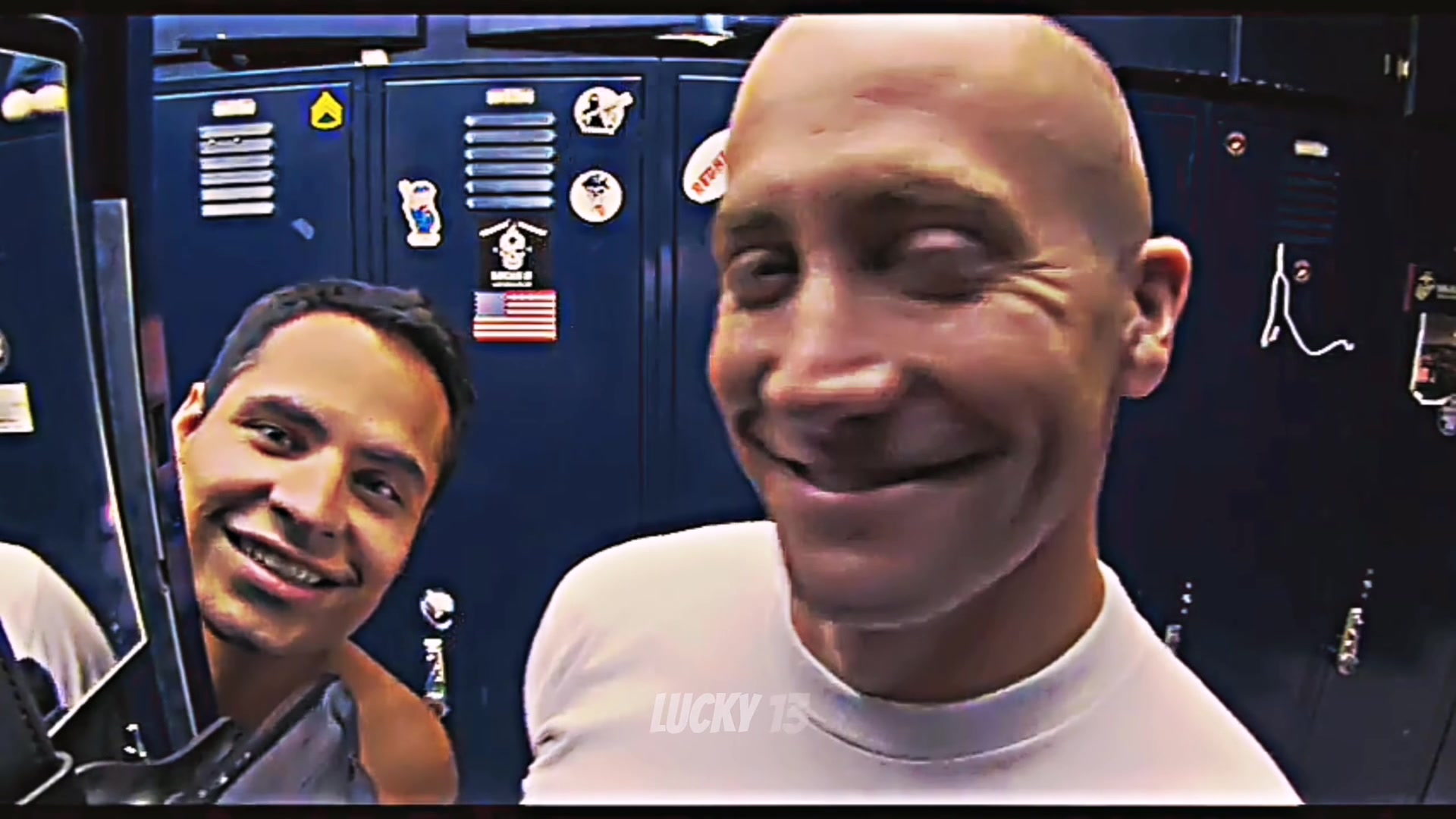
Scene 1
The grin, 0 to 2.4 seconds
A big close-up to the camera. Zavala leans in from the left and the two of them laugh at the lens.
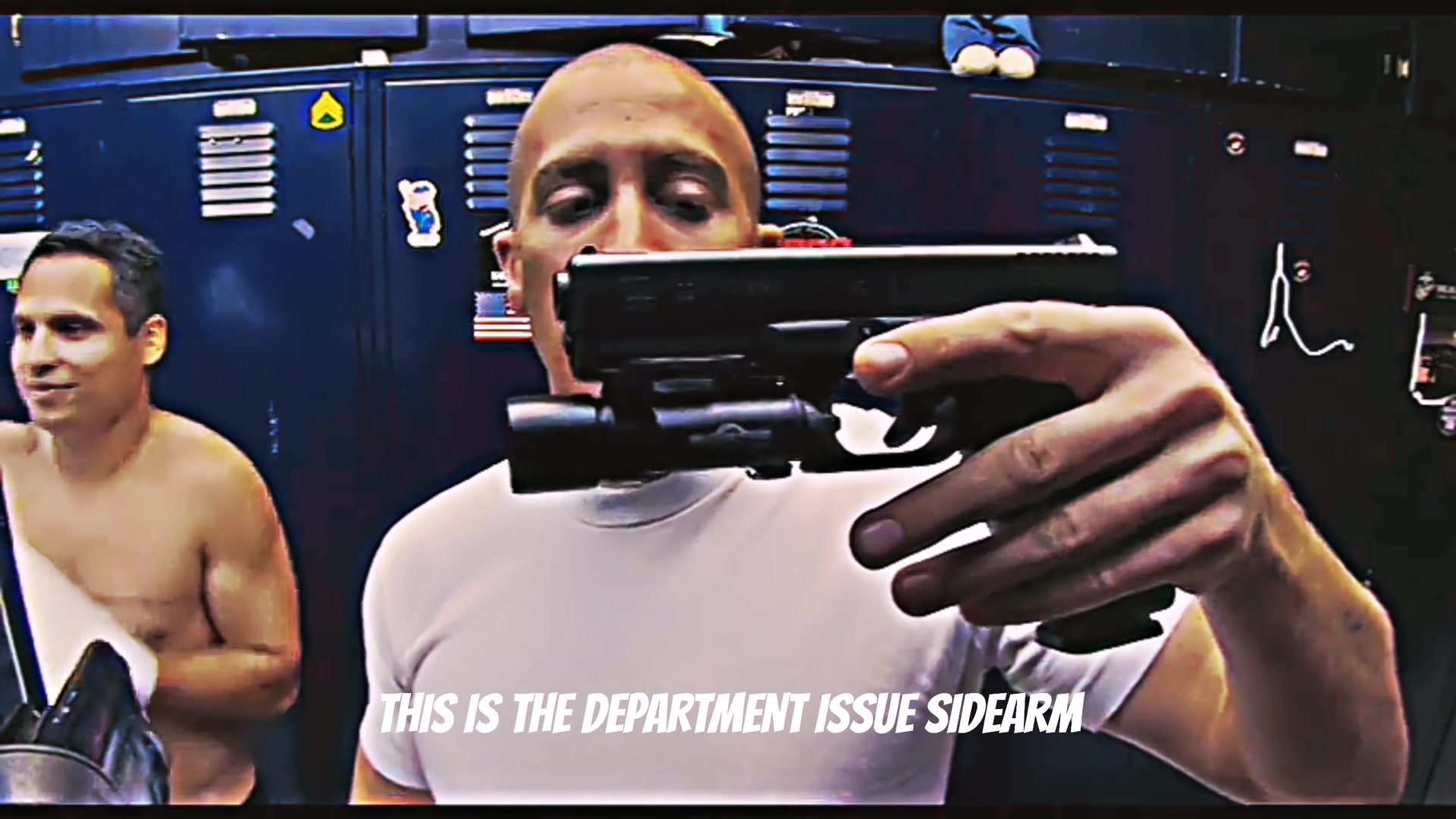
Scene 2
The sidearm, 2.4 to 5.1 seconds
The department-issue Glock comes up to the lens, held sideways so the camera sees all of it.
Scene 3
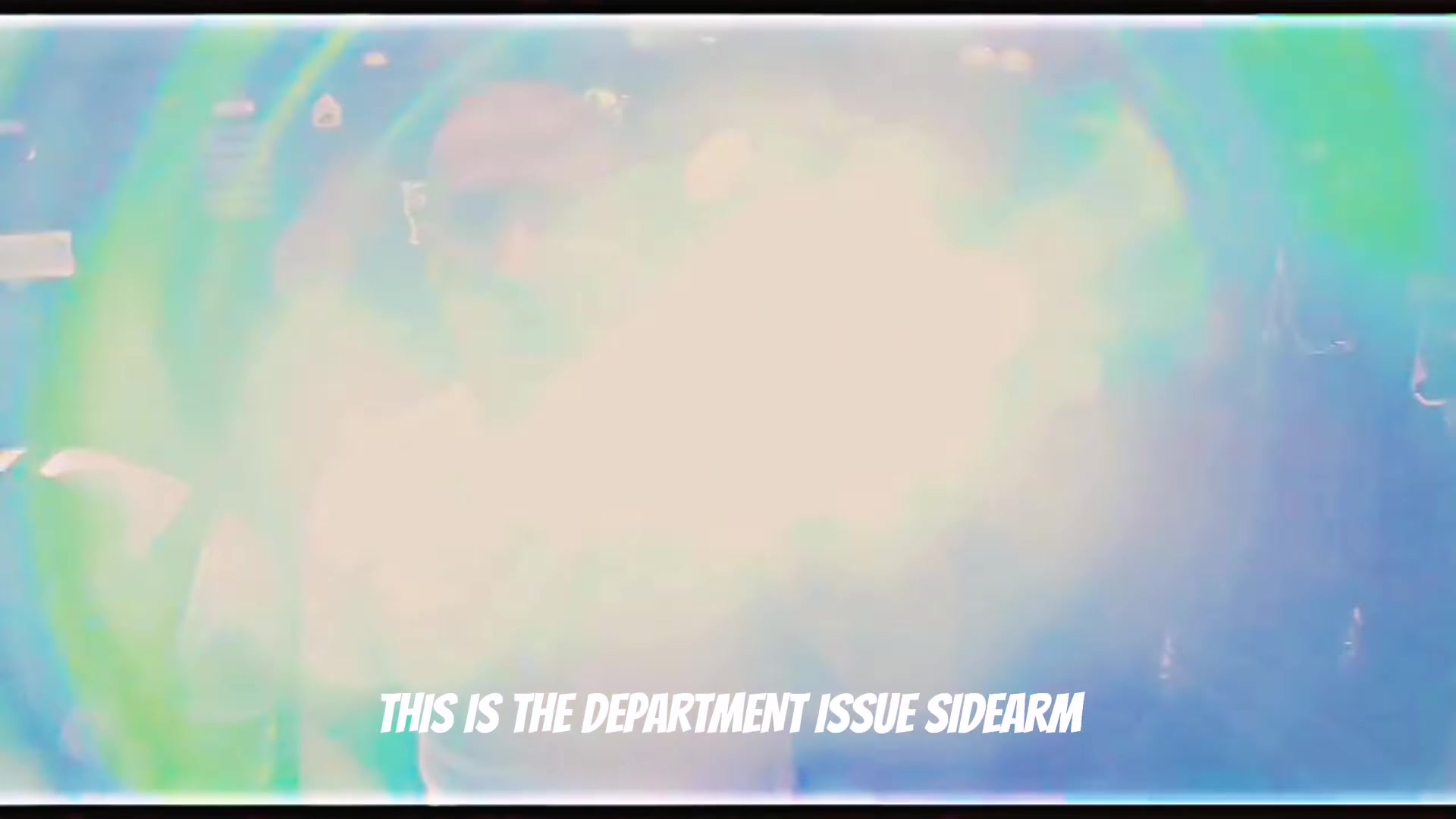
The flash, 5.1 to 6.1 seconds
The light fires straight into the lens and washes out the frame.
Scene 4
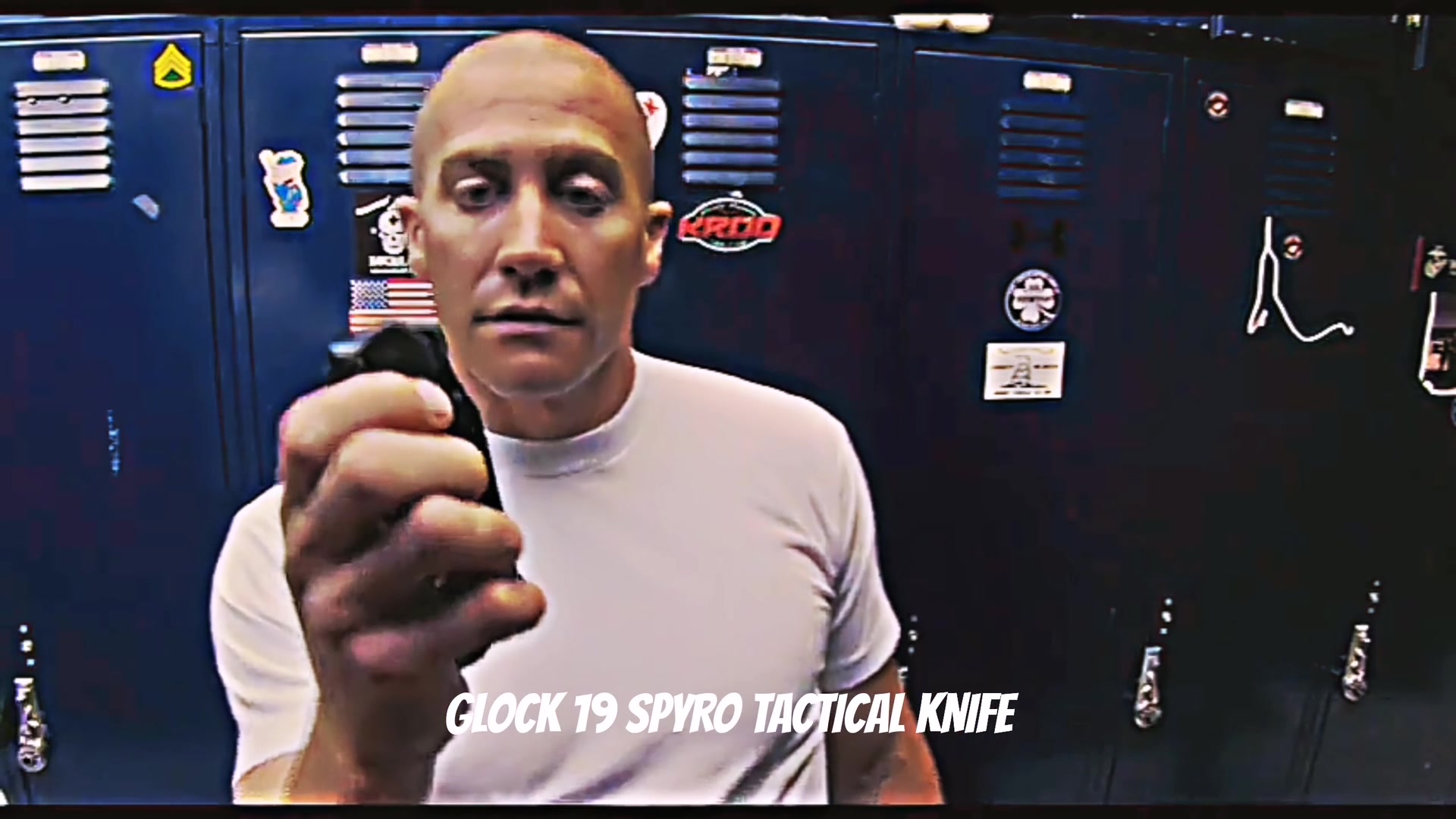
The knife, 6.1 to 9.4 seconds
Taylor ducks toward the lens, then opens a folding tactical knife and holds it up.
Scene 5
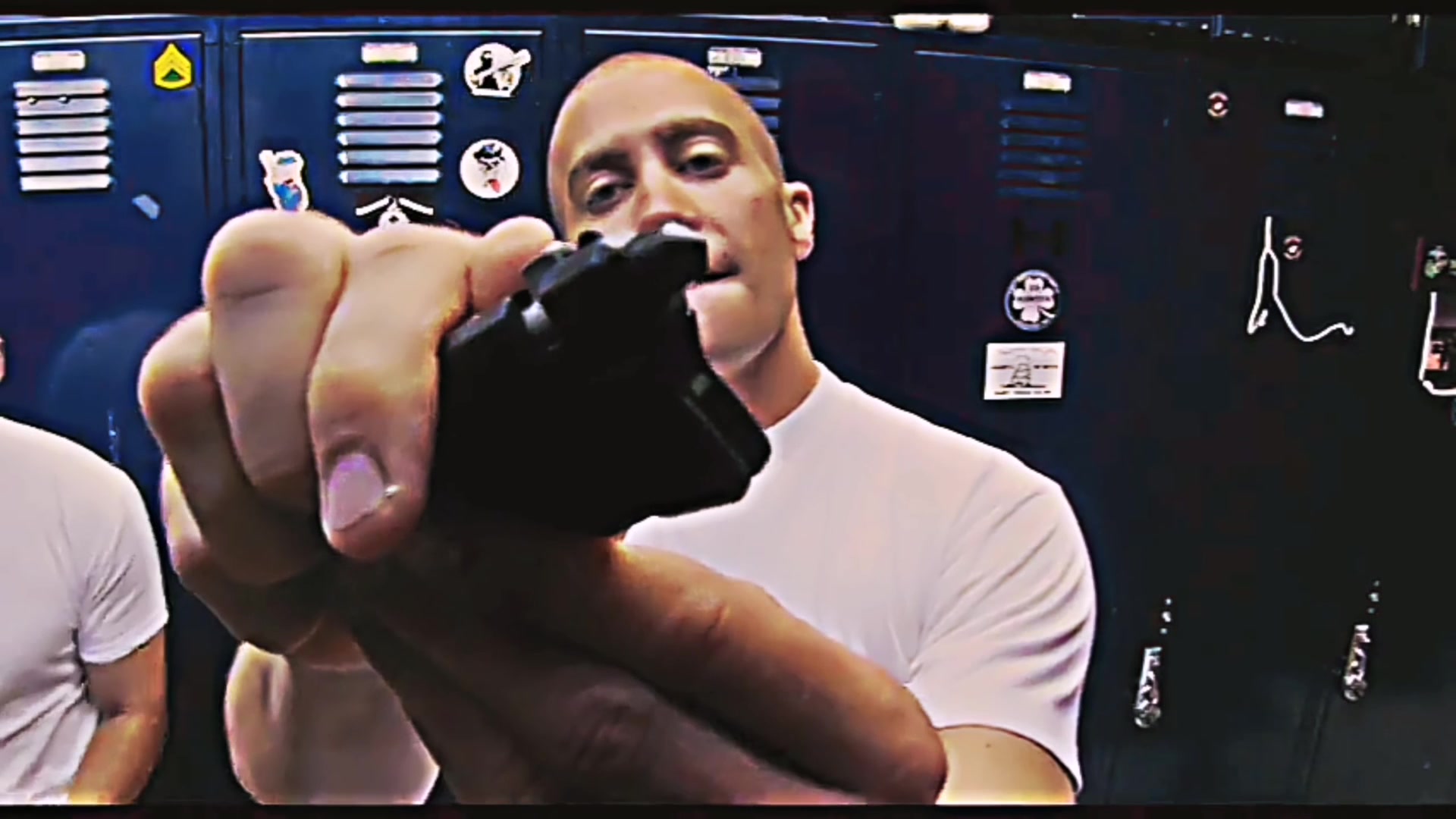
The little tool, 9.4 to 14 seconds
A small black tool that can apparently break windows gets a long, serious look with both hands.
Scene 6
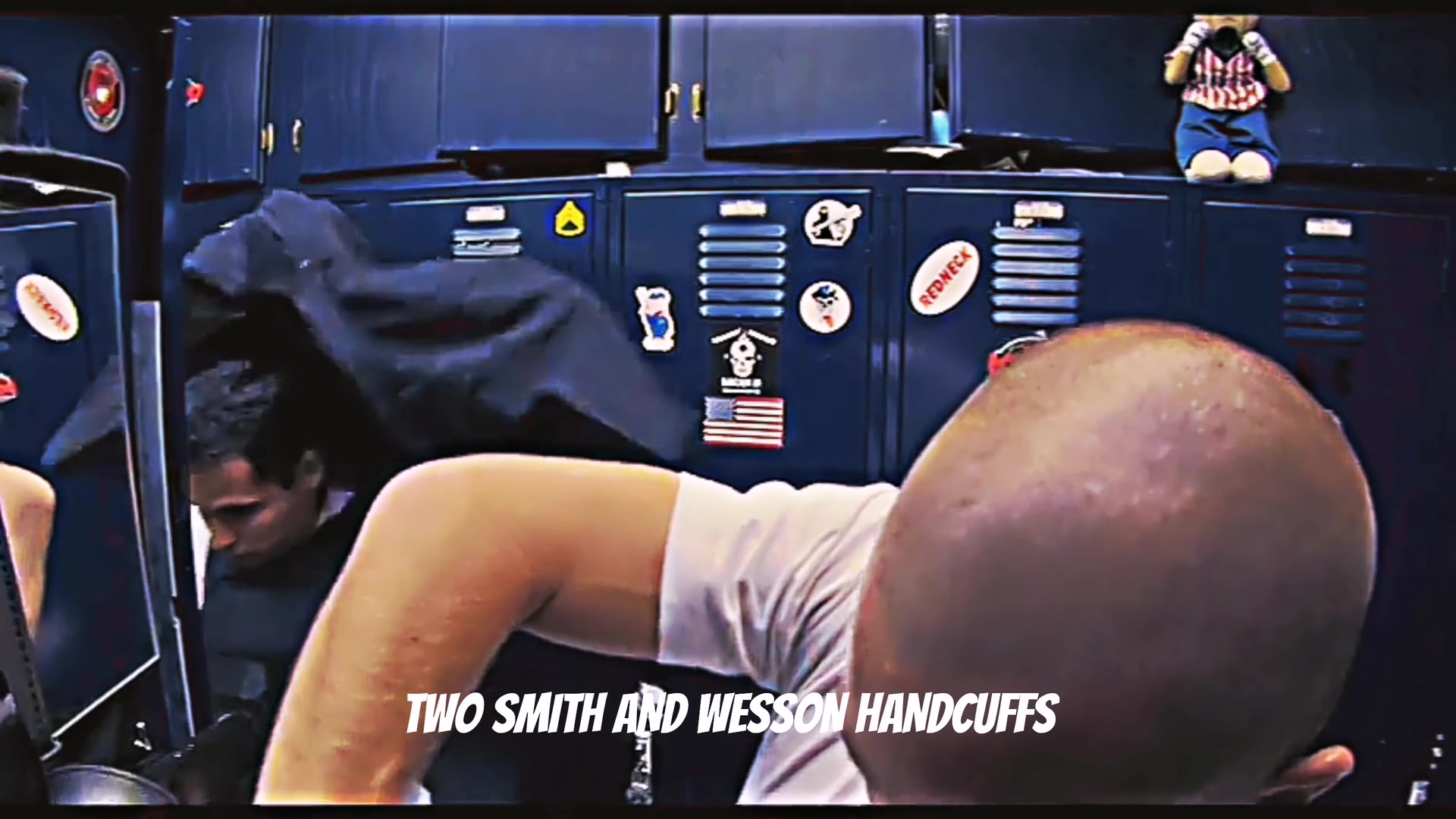
The turn, 14 to 15.2 seconds
Taylor bends down to grab the next thing and the back of the head fills the frame.
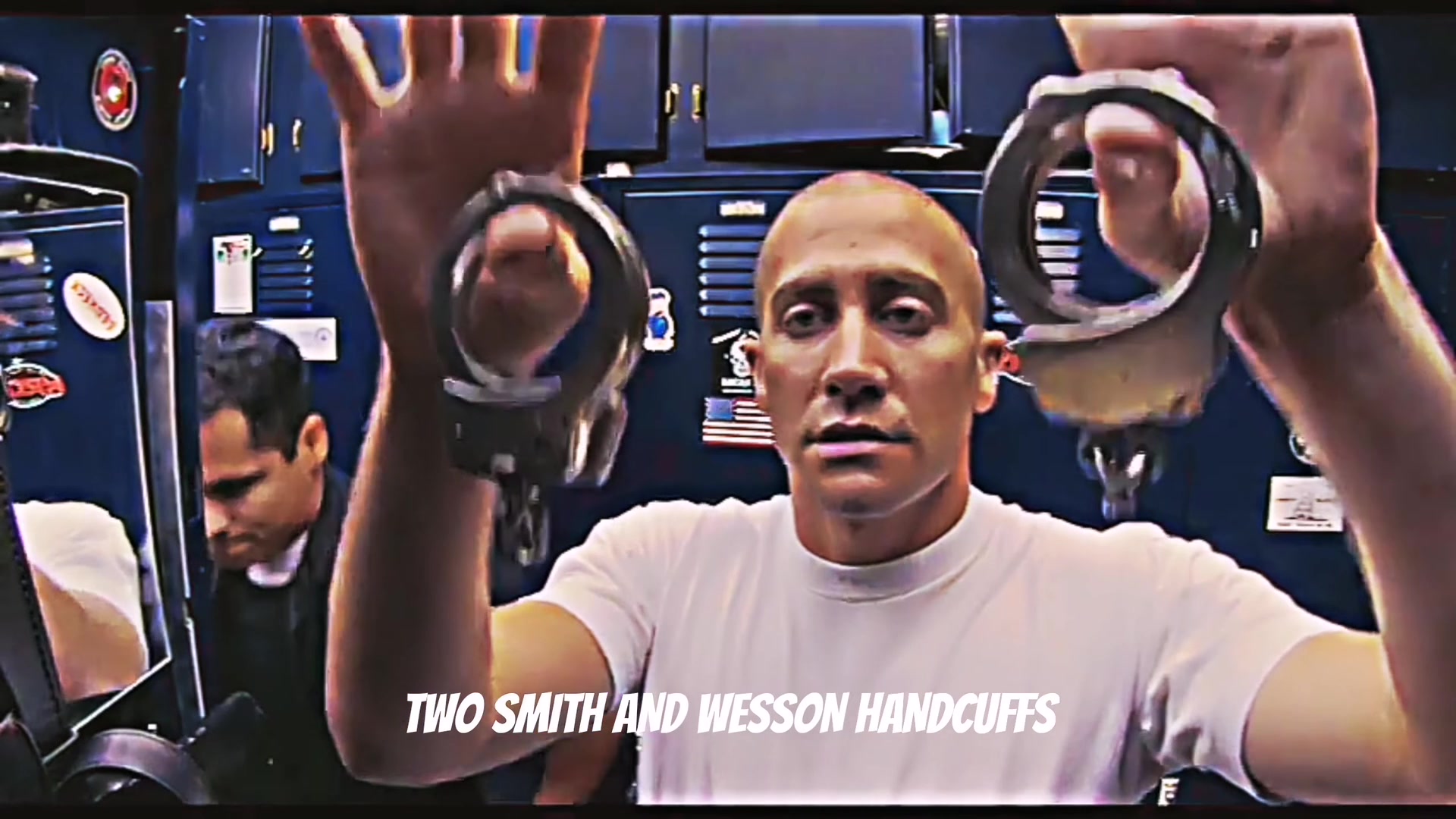
Scene 7
The handcuffs, 15.2 to 16.4 seconds
Two pairs of Smith & Wesson handcuffs come up, one in each hand.
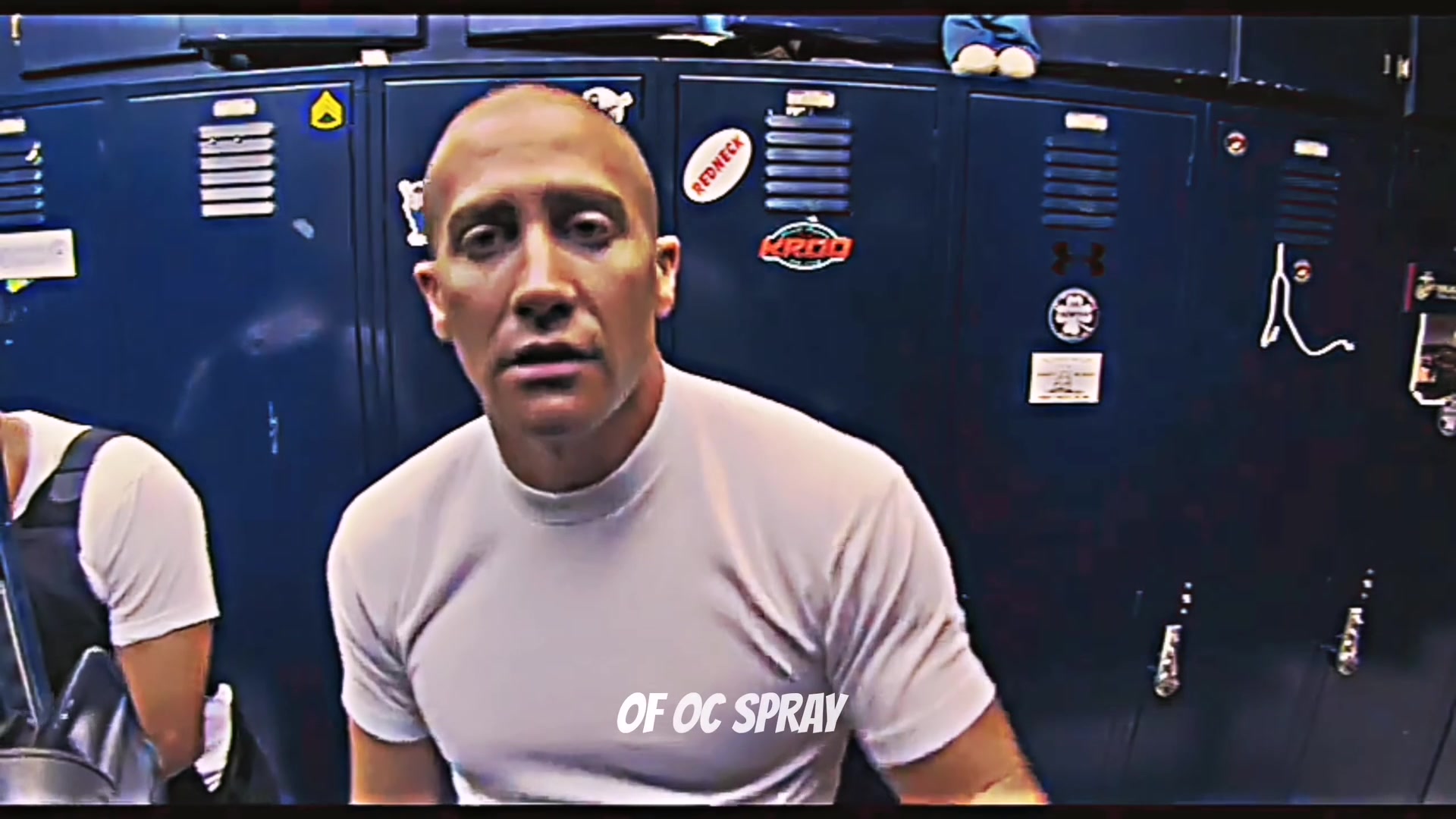
Scene 8
The spray, 16.4 to 17.9 seconds
A can of OC pepper spray, turned to the lens with a straight face.
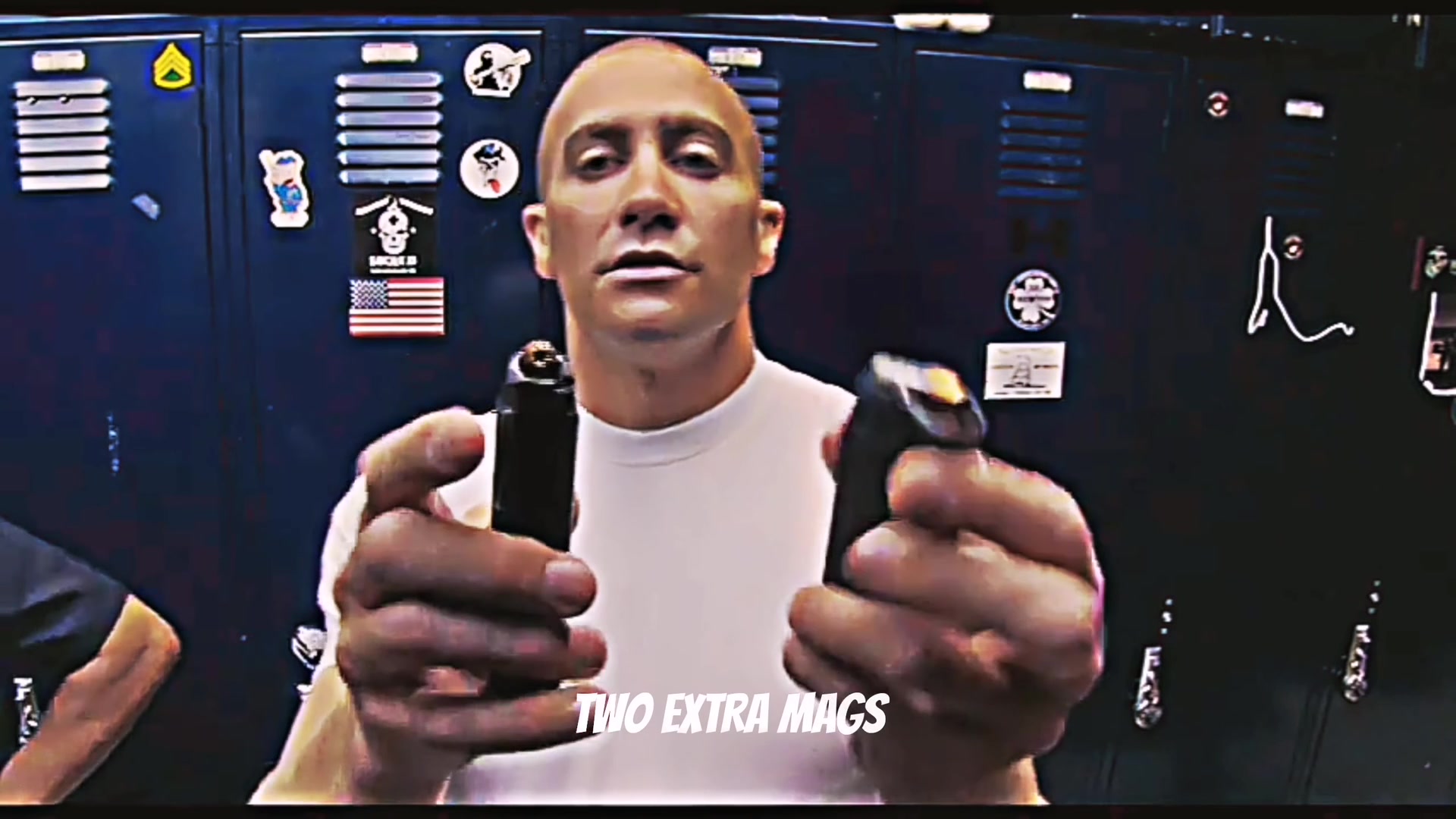
Scene 9
The mags, 17.9 to 21.25 seconds
Two spare mags, one in each hand, and the grin comes back for the finish.
These frames come from the film. Your video follows the same shots with you as Taylor. In the nurse edition, each piece of gear becomes a piece of nurse gear.
How to film the End of Watch locker scene yourself
Hold your phone at chest height, close to your face, as if you were filming yourself for a class project. Your props can be anything: that is the whole joke of the gym, Walmart and fast food editions. Here are the nine shots, with the film's gear in brackets.
Shot 1 · 0 to 2.4 seconds
Face right up to the lens. A friend leans in from the left and you both laugh.
Shot 2 · 2.4 to 5.1 seconds
Hold your first item sideways to the lens so it fills half the frame (the sidearm).
Shot 3 · 5.1 to 6.1 seconds
Fire a phone flashlight straight into the lens for one second (the flash).
Shot 4 · 6.1 to 9.4 seconds
Duck toward the camera, then open your second item and hold it up (the folding knife).
Shot 5 · 9.4 to 14 seconds
Hold something small up to the lens with both hands, and explain it seriously (the window-breaking tool).
Shot 6 · 14 to 15.2 seconds
Bend down to grab the next thing, so the top of your head fills the frame.
Shot 7 · 15.2 to 16.4 seconds
Raise two matching items that can dangle, one in each hand (the handcuffs).
Shot 8 · 16.4 to 17.9 seconds
Show one can or bottle beside your face with a straight look (the pepper spray).
Shot 9 · 17.9 to 21.25 seconds
Hold up one small item in each hand and finish on a big grin (the two spare mags).
Three tips for filming it
Present every item like it matters. The joke only works when you treat a coupon or a protein bar as seriously as Taylor treats a sidearm.
Cut hard between shots. Each item gets its own quick shot, and each cut lands on the beat of the sound you pick.
Stay close. The small, wide camera in the film is what makes the scene look funny, so keep your phone near your face and let the items come right up to the lens.
Why the generator version looks like the film
It starts from the scene itself. The generator uses the film scene as its reference, so the moves, the camera and the lockers come straight from that take instead of being described in a prompt.
The 21 seconds are made in three parts, split on the film's own hard cuts, then joined frame by frame, so each join sits where the film already cuts. The result is sharpened to 720p and the audio from the same part of the scene is added in sync.
The instruction is deliberately short: replace the person, keep the scene, background, camera and all motion. So the performance comes from the film, while the faces and hair come from your photos.
The nurse edition adds one thing: a picture of every prop. Each piece of gear is made first as its own image, then named in the instruction in the order it appears, so a thermometer gun sits in the hand the way the sidearm does and the shears open the way the knife opens.
The examples on the generator page are our approved outputs from November 3, 2026, made with Wan 3.0 for the performance and Topaz Proteus for the final sharpening. The comparison puts the film on top and that real output below, so you can check it yourself before buying.
End of Watch AI video generator vs. other ways to make it
There are four common routes. They differ in how much of the known scene you keep and how much work lands on you.
| Way to make it | What you do | What you get | Best for |
|---|---|---|---|
| This End of Watch AI video generator | Upload 1 or 2 photos. No prompt, no editor, no filming. | All nine shots in 21 seconds at 16:9 and 720p, with the audio from the film, in police gear or the nurse edition. | Starring in the exact scene people know. $8.90 per video. |
| AI app templates | Find a template in an app, copy a video link, swap a photo and set the options. | A shorter AI version built on whichever clip you paste. | People already paying for that app. |
| CapCut edits of the film | Find the film clip, cut it to Twirlanta and add a caption. | A meme edit with the original actors in it. | Reaction posts where you are not in the video. |
| Film it yourself | Line up seven props, hold the camera at arm’s length and shoot nine shots. | A real performance with whatever you own, no AI. | Your own gym, kitchen or store edition. The how-to guide has every shot. |
Save it and post it as an AI video
With the generator, allow about 5 to 10 minutes. You can close the page and collect the result in My videos. On iPhone, tap Download video, open it in Files and choose Save Video. On Android, open Downloads.
Use only photos you have permission to upload. Celebrity and public figure photos are not allowed. Label the finished video as AI when you post it and follow the rules of TikTok, Reels or Shorts. The template is independent and is not endorsed by Jake Gyllenhaal, Michael Peña, David Ayer or the film’s studios.
Before you post your End of Watch video
Watch it with the sound on
Play the whole clip, from the grin to the two spare mags, then save the MP4 to your phone.
Say it is AI
Turn on TikTok's AI-generated content label or say so in your caption. Platforms review weapon imagery in their own way, and the nurse edition is the easy pick for feeds that are strict about it.
Place your caption
The video is widescreen. On a vertical feed, that leaves room above it for your caption, the way this meme is usually posted.
Keep it a joke
Everyone in the video should be fine with it. Rights to the film and the song stay with their owners, so do not use it in ads.