End of Watch AI Video Generator: The Jake Gyllenhaal Locker Scene
Use our End of Watch AI video generator to star in the locker scene everyone's remaking: you face your own camera in a police locker room and show off your gear one piece at a time, just like Jake Gyllenhaal as Officer Brian Taylor. Upload a photo and get it back with the audio from the film.
- 1–2 photos
- 21s
- 16:9
- 720p
The End of Watch locker scene on top, and the same 21 seconds made with the iamthememe.com End of Watch AI video generator below, starring our own actors.
Make your End of Watch locker scene AI video
- Zavala’s part (optional)Add your first photo to unlock
JPEG, PNG, WEBP · Max 10 MB each
Photo tips and role order
- Photo 1 plays Taylor, who shows every piece of gear. Photo 2 plays Zavala, who leans in at the start.
- If you add one photo, our own actor plays Zavala.
- Use one person per photo, with a clear face and even light.
- $8.90 per video
- No subscription
- Credits back if no video is made
What is the End of Watch AI trend (the locker scene meme)?
The locker scene comes from End of Watch, David Ayer's 2012 found-footage police film starring Jake Gyllenhaal as Brian Taylor and Michael Peña as Mike Zavala. Taylor points a small camera at himself in the station locker room and presents his gear to the lens, one deadpan item at a time, while Zavala leans in to laugh. It is the lightest moment in a film that gets very heavy, which is why so many people ask whether it is a comedy.
The meme took off on TikTok in August 2023, when people started remaking the scene with whatever they carry at work, set to "Twirlanta" by 22Gz. The gym edition by @wardsimons and the Walmart edition by @207vengeance stood at 811,500 and 724,400 views on November 3, 2026. On YouTube, two Twirlanta loops over the locker room footage passed 14.8 million and 6.9 million views.
The AI wave started in August 2026, when tutorials showed how to put a new face on the scene and the #lockerscenetrend tag appeared, with 966,401 views by November 2. A second wave of AI reels followed at the end of October, and some accounts now call it the Patrol AI trend. This End of Watch AI video generator gives you the scene from a photo, with no clip to find and no prompt to write.
Solo or duo: be Taylor, or bring a friend as Zavala
Taylor shows every piece of gear. Zavala leans in at the start and laughs. Your first photo plays Taylor and your second photo plays Zavala.
Solo: you show the gear
Add one photo and you are Taylor in every shot. Our own actor plays Zavala, so there is nobody else to find.
Duo: you and your partner in crime
Add two photos, one person in each. Your friend slides in from the left at the start and you both crack up at the lens.
The work crew
Put a coworker in the locker room before a long shift. Get their OK first, then post it in the team chat.
The person who never shows off
The more modest the star, the funnier the deadpan gear check. Ask first, then let them see it before anyone else does.
Swap the gear: the End of Watch nurse edition
The most-watched remakes of this meme were never about police gear. They swapped it for whatever people carry at work. Choose Nurse edition at the top of the maker and every piece of gear changes for you.
Seven new pieces of gear
An infrared thermometer gun, a penlight, blue-handled trauma shears, a fingertip pulse oximeter, two stethoscopes, a bottle of hand sanitizer and two needle-free flush syringes, shown in the same order as the film.
The same scene and the same price
The moves, the camera, the lockers and the audio stay, so the film's serious gear talk now plays over a thermometer. It is the same 21-second 720p video at the same price as the police gear version.
The End of Watch locker scene, shot by shot
21 seconds, nine shots, one small camera held at arm's length. These are the shots you get, in order.
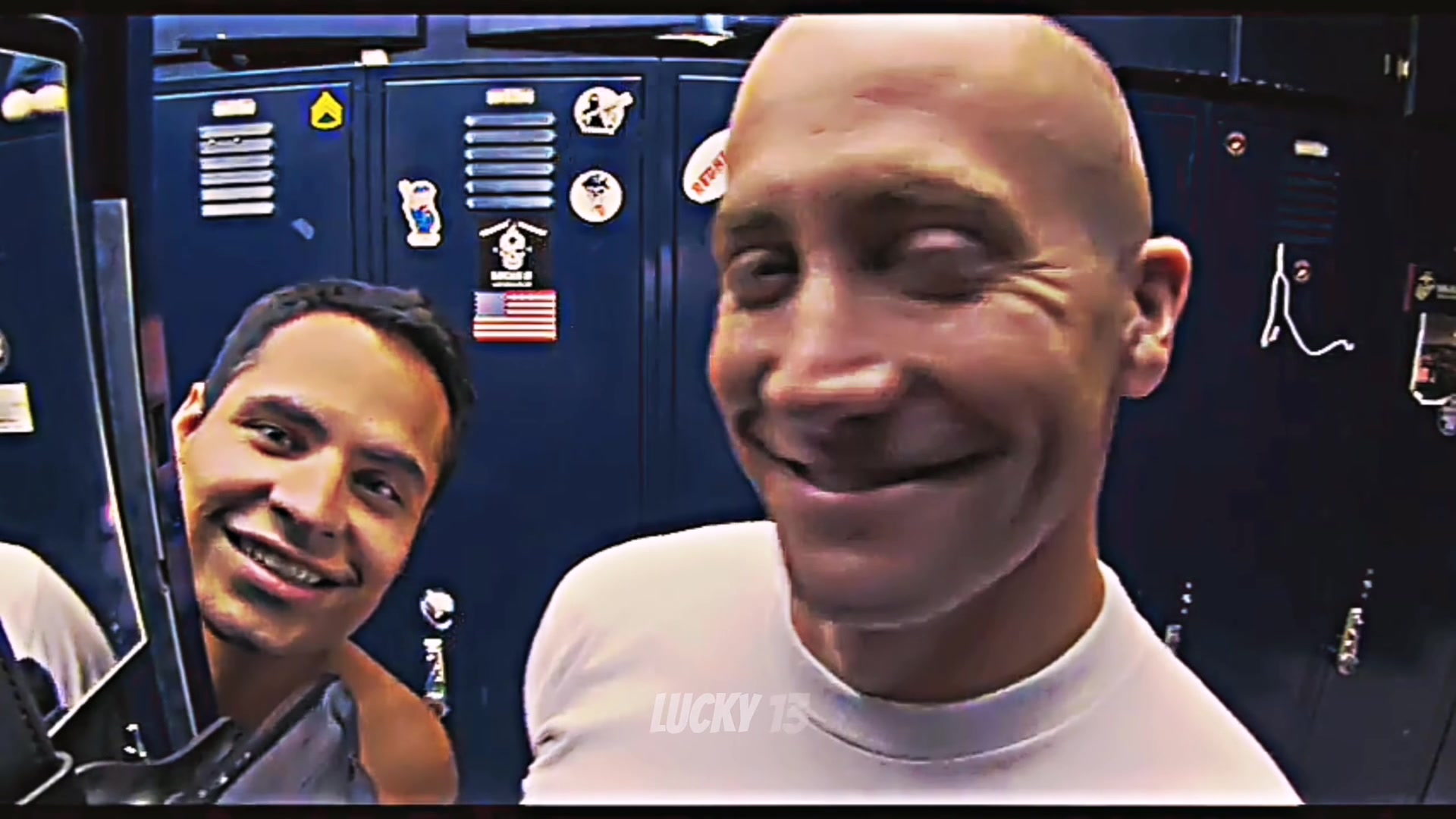
Scene 1
The grin, 0 to 2.4 seconds
A big close-up to the camera. Zavala leans in from the left and the two of them laugh at the lens.
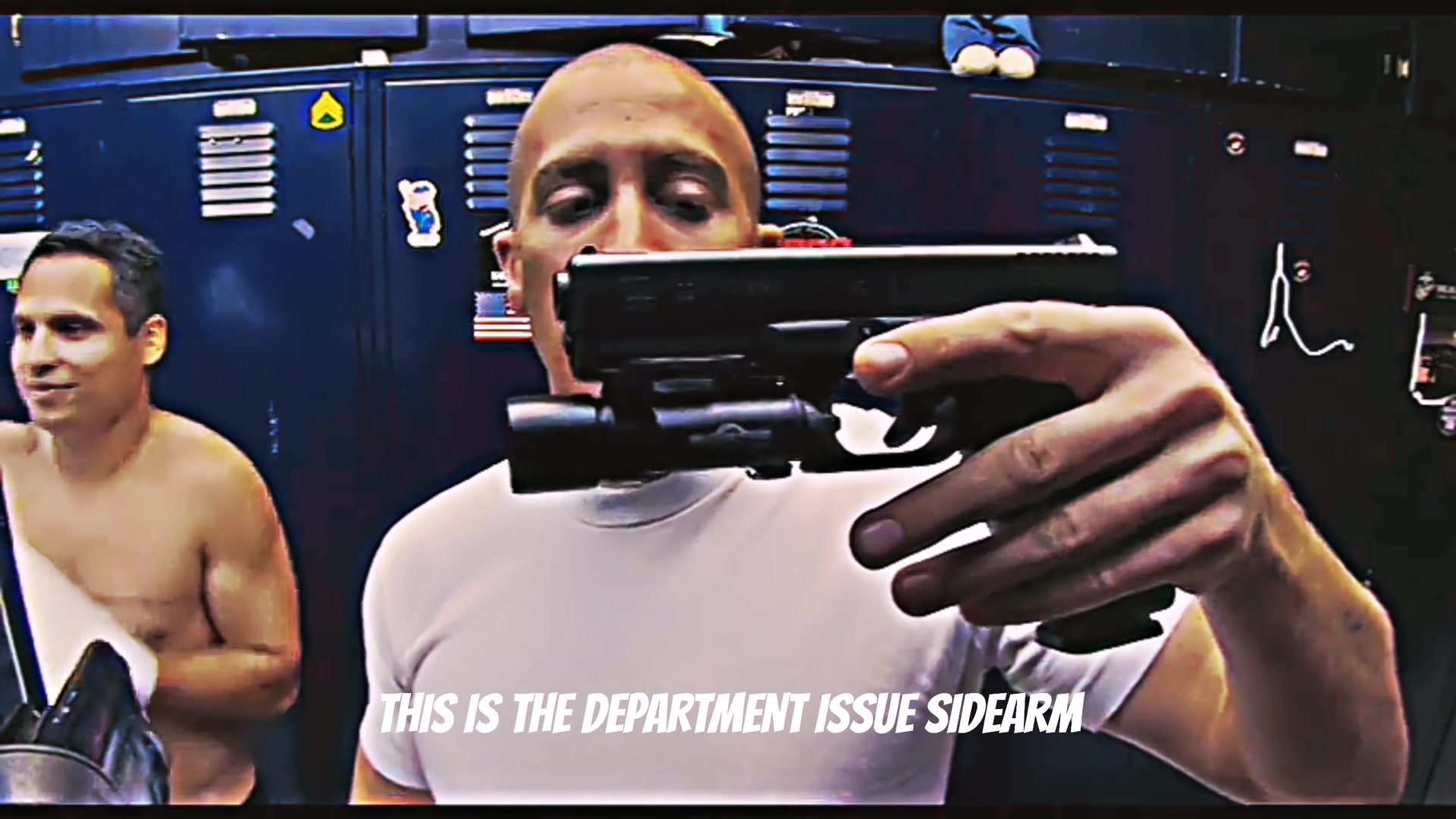
Scene 2
The sidearm, 2.4 to 5.1 seconds
The department-issue Glock comes up to the lens, held sideways so the camera sees all of it.
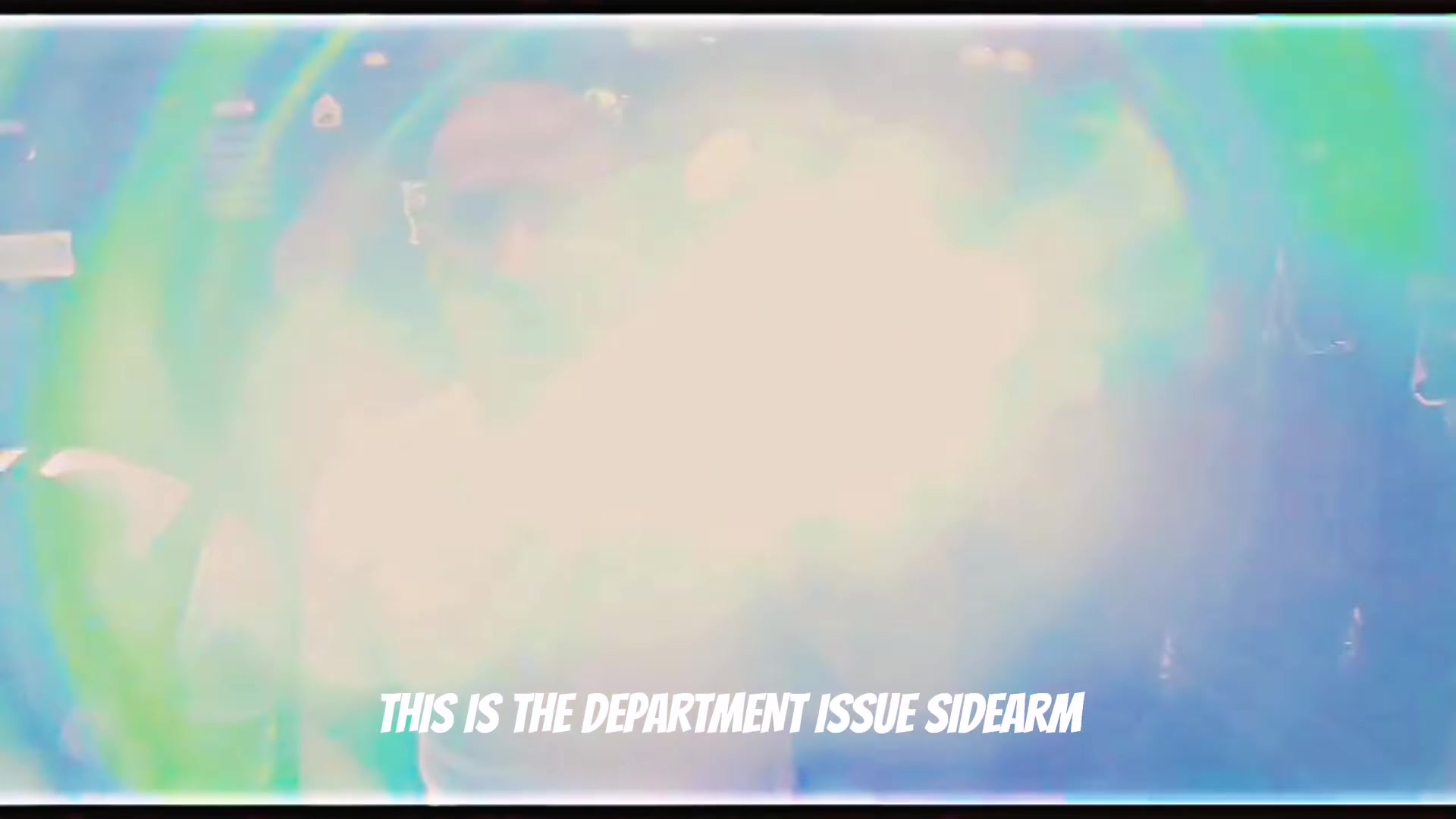
Scene 3
The flash, 5.1 to 6.1 seconds
The light fires straight into the lens and washes out the frame.
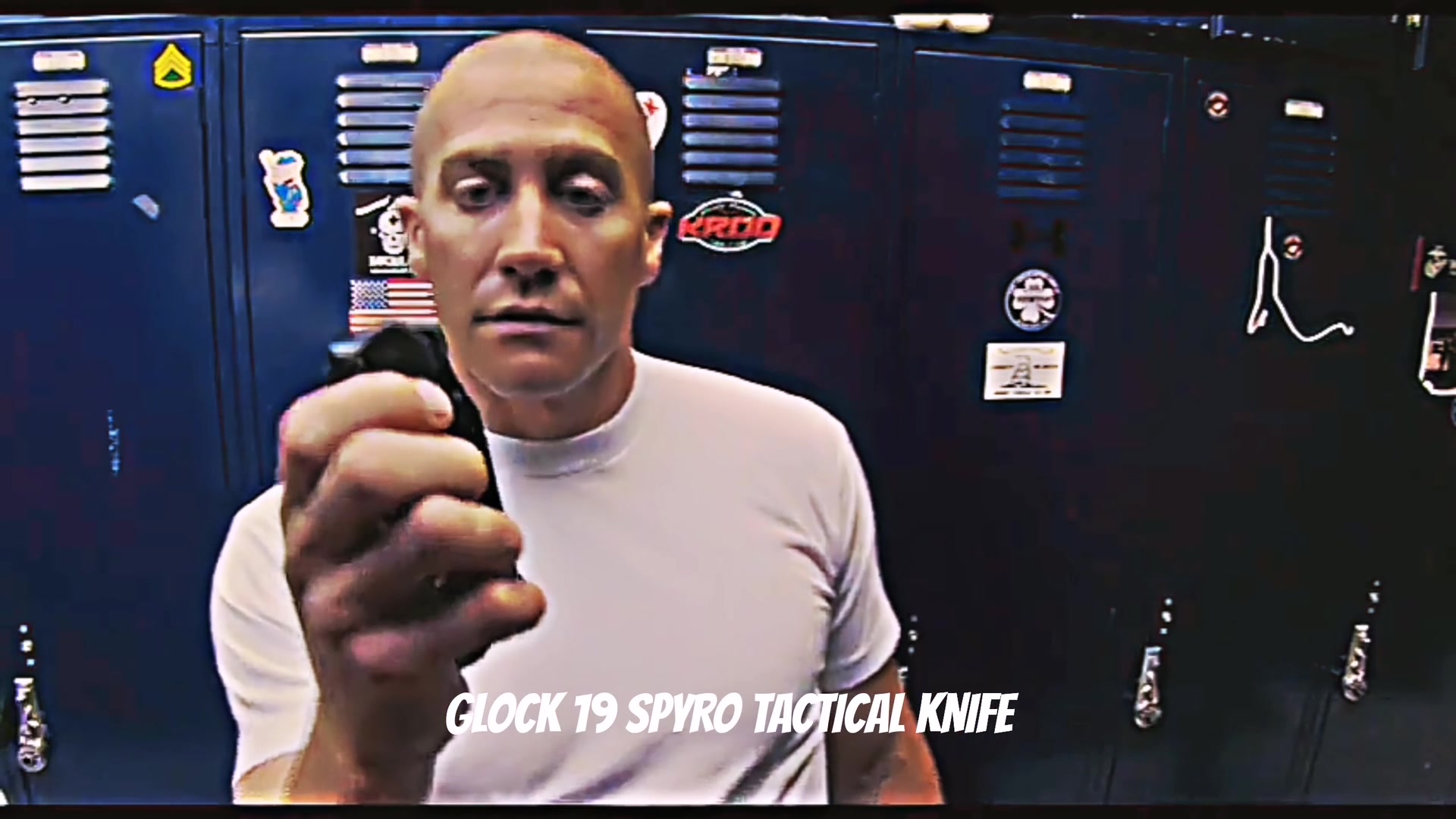
Scene 4
The knife, 6.1 to 9.4 seconds
Taylor ducks toward the lens, then opens a folding tactical knife and holds it up.
Scene 5
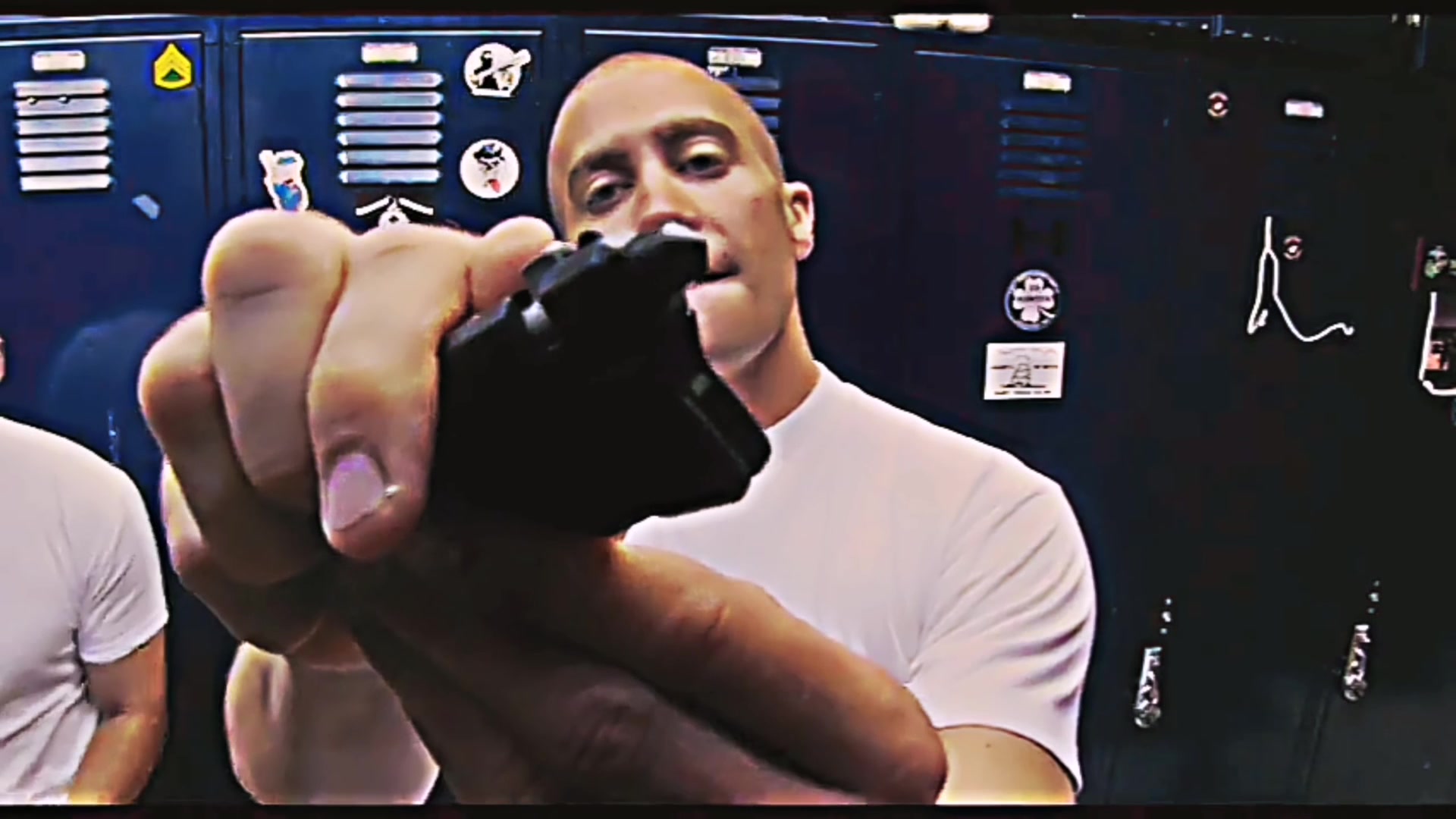
The little tool, 9.4 to 14 seconds
A small black tool that can apparently break windows gets a long, serious look with both hands.
Scene 6
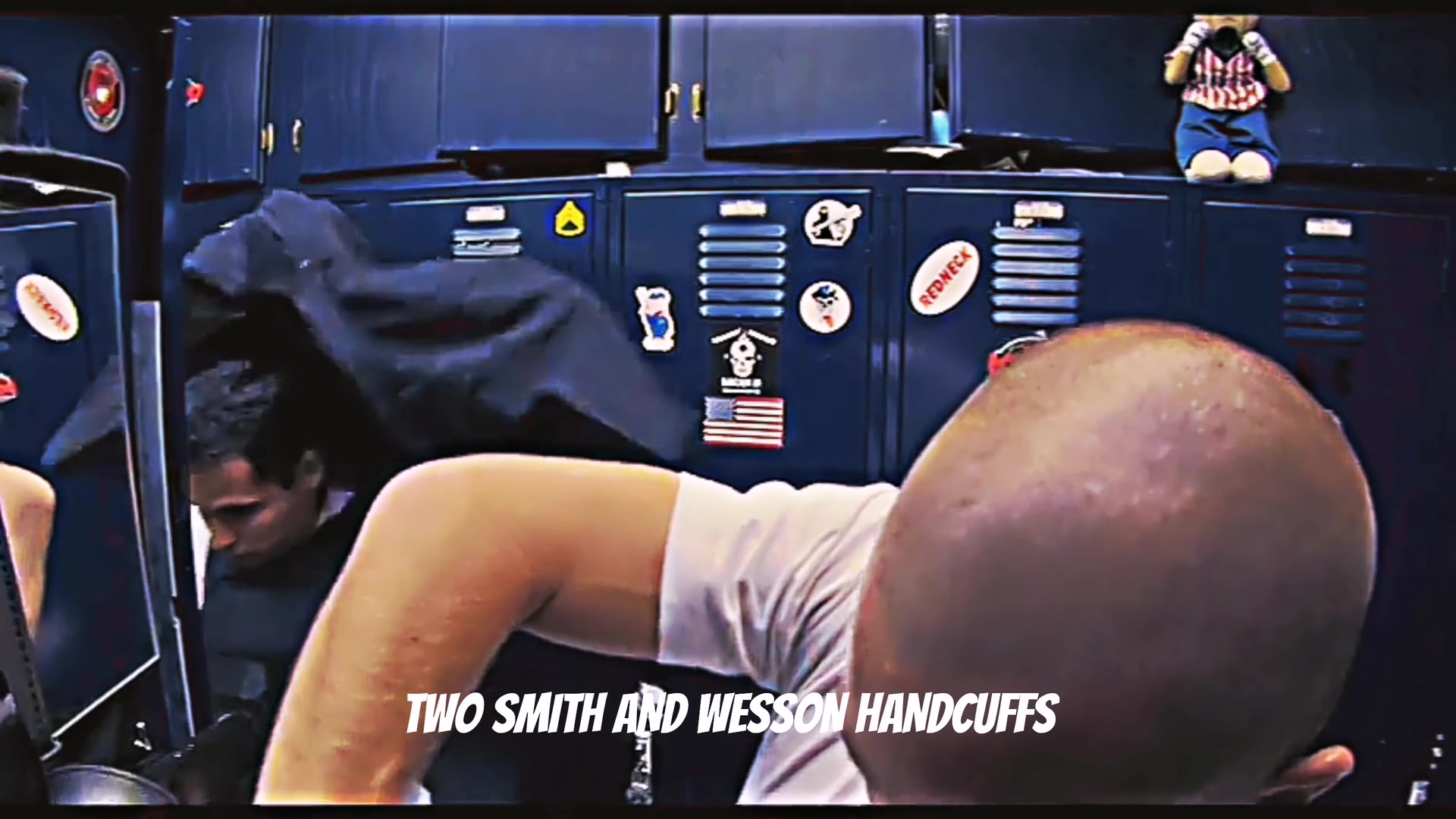
The turn, 14 to 15.2 seconds
Taylor bends down to grab the next thing and the back of the head fills the frame.
Scene 7
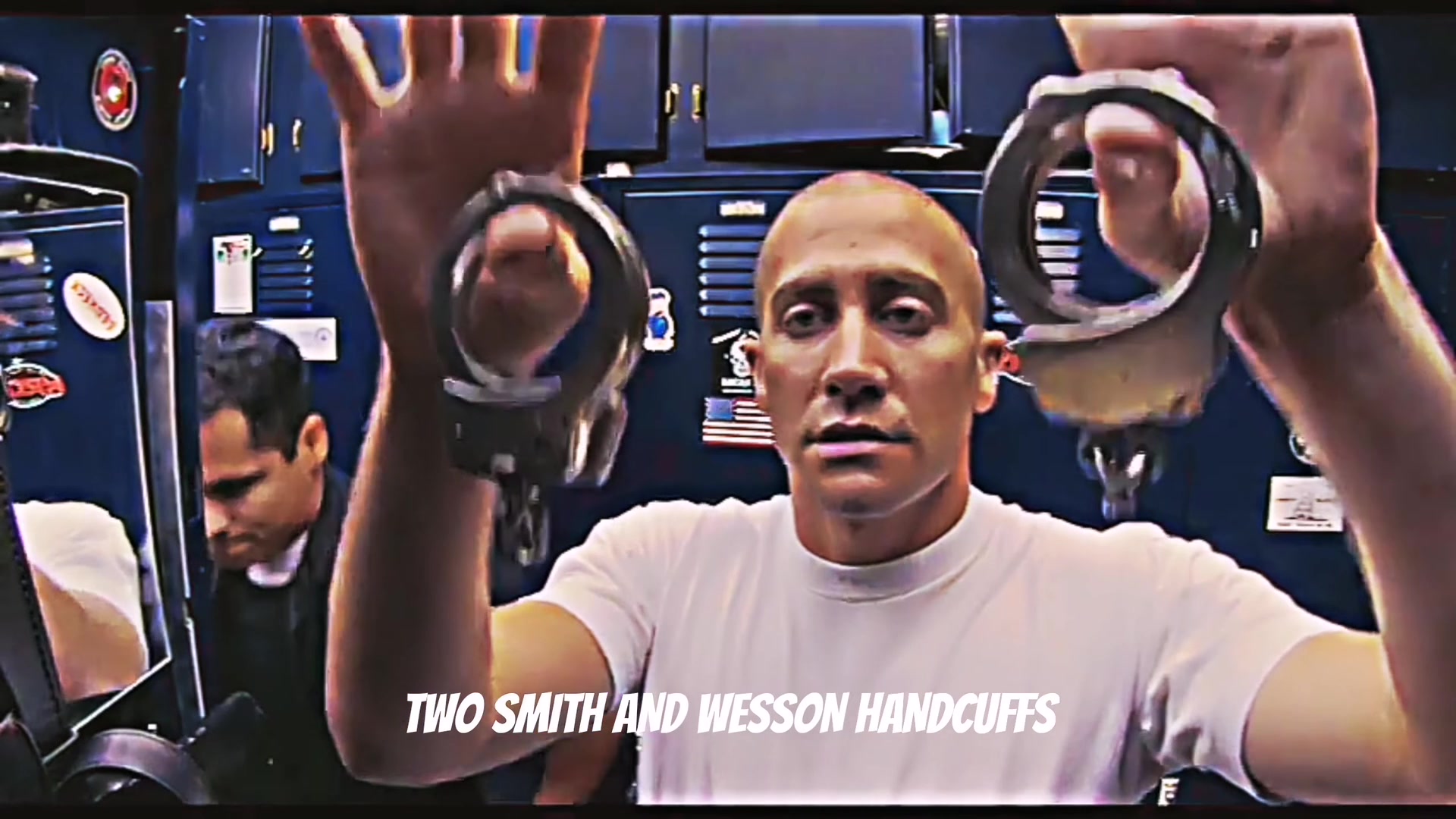
The handcuffs, 15.2 to 16.4 seconds
Two pairs of Smith & Wesson handcuffs come up, one in each hand.
Scene 8
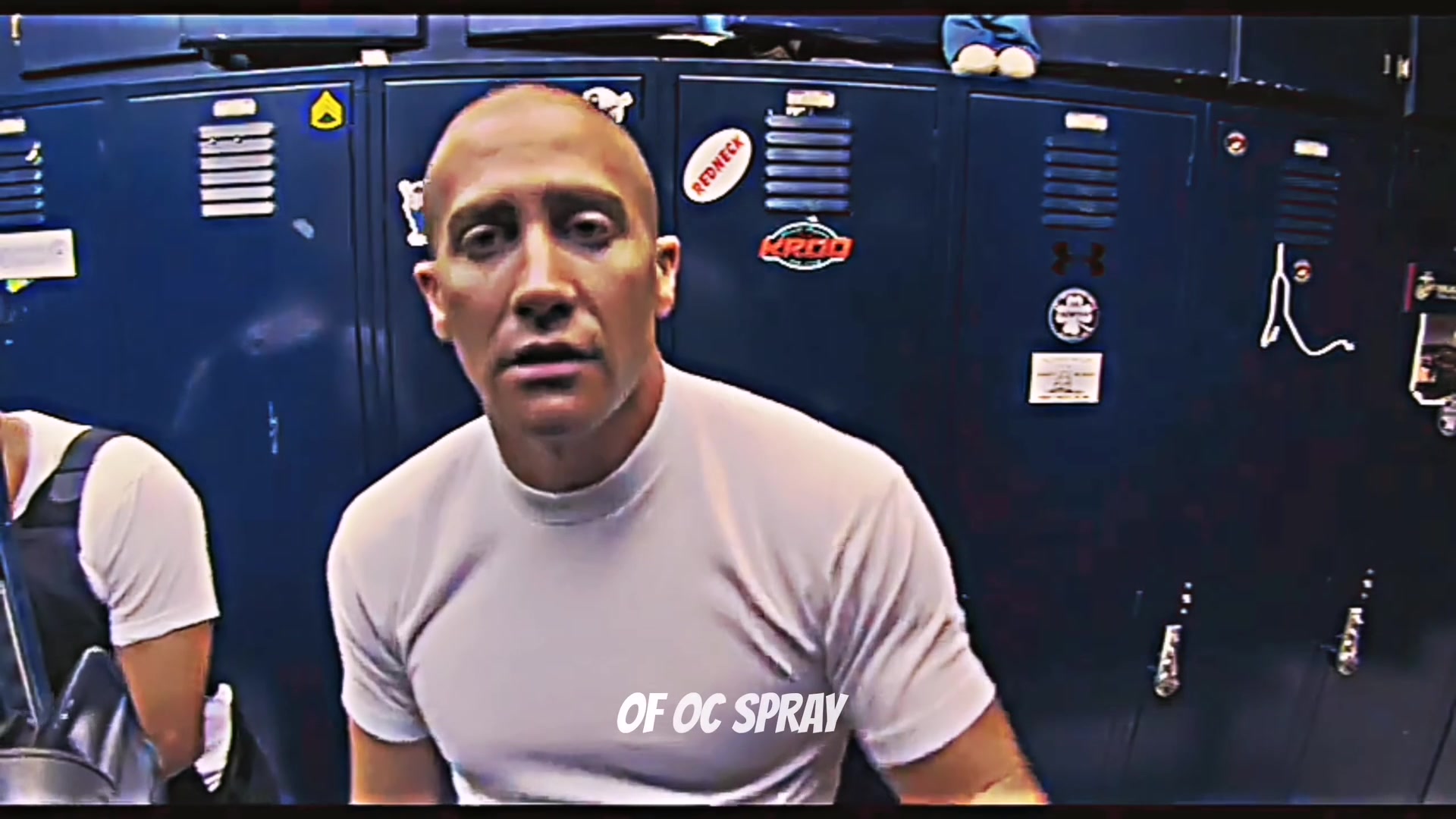
The spray, 16.4 to 17.9 seconds
A can of OC pepper spray, turned to the lens with a straight face.
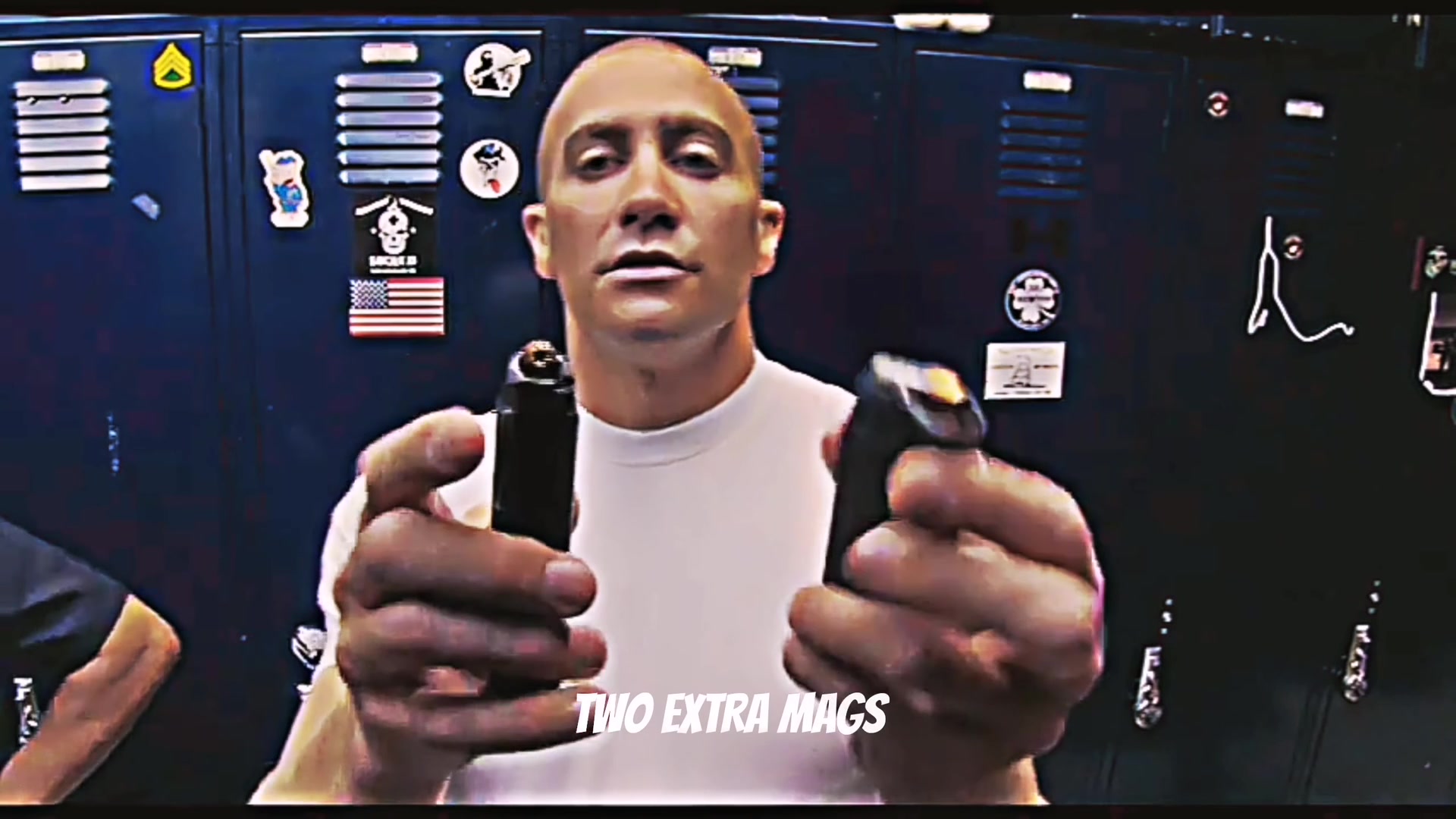
Scene 9
The mags, 17.9 to 21.25 seconds
Two spare mags, one in each hand, and the grin comes back for the finish.
These frames come from the film. Your video follows the same shots with you as Taylor. In the nurse edition, each piece of gear becomes a piece of nurse gear.
How to make the End of Watch AI video
- 1
Upload a clear photo
Add one photo to play Taylor, and a second if you want a friend as Zavala. Choose Police gear or Nurse edition.
- 2
Press make
The locker room, the shots and the audio are already set. No prompt to write, no film clip to find and no settings.
- 3
Download and post
In about 5 to 10 minutes you get a 21-second 16:9 MP4 at 720p with the audio from the film, ready for TikTok, Reels and Shorts.
Original vs. yours
Original vs. yours: the End of Watch locker scene next to your AI version
On top is the 21-second locker scene from the film. Below is our real 720p output, made from photos of our own actors. The lockers, the camera and the audio stay. The people change.
Press play for sound. Your video shows your photos instead of our actors.
- Format
- 16:9 widescreen, ready for YouTube and X
- Length
- 21 seconds
- Resolution
- 720p MP4
- People
- 1 to 2 photos, one person each
- Sound
- The original track, timed to the moves
Original: End of Watch (2012), the locker room scene · 21s · 16:9
Stays the same
- The blue lockers and the handheld selfie camera
- All nine shots, with the cuts and the timing of the film
- Seven pieces of gear shown in the same order, one at a time
- The audio from the film scene, in sync
Becomes yours
- The officer showing the gear, from your first photo
- The partner who leans in, from your second photo or played by our own actor
- All seven pieces of gear, if you choose the nurse edition
Tips for a better locker scene video
Face the camera
The first shot is a big close-up, so use a sharp, front-facing photo in even light with your whole face in view.
Chest up or waist up
The camera stays close the whole time. A photo from the chest or waist up gives your face the most detail.
One person per photo
For the duo version, add two separate photos, one person in each, rather than one picture of you together.
Hands empty, face free
Use a photo with nothing in your hands, and take off sunglasses and masks. The gear comes with the scene.
End of Watch meme caption ideas
The joke is treating something small like serious duty gear. These formats come straight from the most-liked comments under the meme.
The coupon
Caption idea: "Me showing the cashier my 100% discount coupon:"
The honest reaction
Caption idea: "'My boyfriend knows kung fu.' My honest reaction:"
The bully plan
Caption idea: "How to deal with bullies at school:"
The Christmas haul
Caption idea: "Showing my friends my Christmas presents as a kid:"
The night shift
For the nurse edition. Caption idea: "Me reporting for a 12-hour shift with everything I own:"
End of Watch AI video generator vs. other ways to make it
There are four common routes. They differ in how much of the known scene you keep and how much work lands on you.
| Way to make it | What you do | What you get | Best for |
|---|---|---|---|
| This End of Watch AI video generator | Upload 1 or 2 photos. No prompt, no editor, no filming. | All nine shots in 21 seconds at 16:9 and 720p, with the audio from the film, in police gear or the nurse edition. | Starring in the exact scene people know. $8.90 per video. |
| AI app templates | Find a template in an app, copy a video link, swap a photo and set the options. | A shorter AI version built on whichever clip you paste. | People already paying for that app. |
| CapCut edits of the film | Find the film clip, cut it to Twirlanta and add a caption. | A meme edit with the original actors in it. | Reaction posts where you are not in the video. |
| Film it yourself | Line up seven props, hold the camera at arm’s length and shoot nine shots. | A real performance with whatever you own, no AI. | Your own gym, kitchen or store edition. The how-to guide has every shot. |
Before you post your End of Watch video
Watch it with the sound on
Play the whole clip, from the grin to the two spare mags, then save the MP4 to your phone.
Say it is AI
Turn on TikTok's AI-generated content label or say so in your caption. Platforms review weapon imagery in their own way, and the nurse edition is the easy pick for feeds that are strict about it.
Place your caption
The video is widescreen. On a vertical feed, that leaves room above it for your caption, the way this meme is usually posted.
Keep it a joke
Everyone in the video should be fine with it. Rights to the film and the song stay with their owners, so do not use it in ads.
The song behind the locker scene meme: Twirlanta by 22Gz
The sound most people connect with this meme is "Twirlanta" by 22Gz, released in 2021. TikTok's version, "original sound - xylo", uses the line "my stepper gon' brush him, if I press the button", and it has been used in more than 66,000 videos.
Your video comes with the audio from the film scene itself, so the gear talk stays in sync with the shots. To post it with Twirlanta instead, pick the sound in TikTok or Reels when you upload.
How long it takes and where it goes
- Time
- About 5 to 10 minutes. The video is rendered from scratch with you in it.
- Leave anytime
- You can close the page. The video keeps rendering and waits for you in My videos.
- Pick it up
- Watch and download it on this page if you stay, or open My videos later.
- On your phone
- Tap Download video. On iPhone, open it in Files and tap Save Video. On Android, it lands in Downloads.
Pricing
Is the End of Watch AI video generator free?
- Packs bring it down to $4.99 a video.
- Pay once. Credits never expire.
- If no video is made, your credits come back automatically.
- Within 15 days of buying, we refund the unused part of your pack.